
Instant Drawing
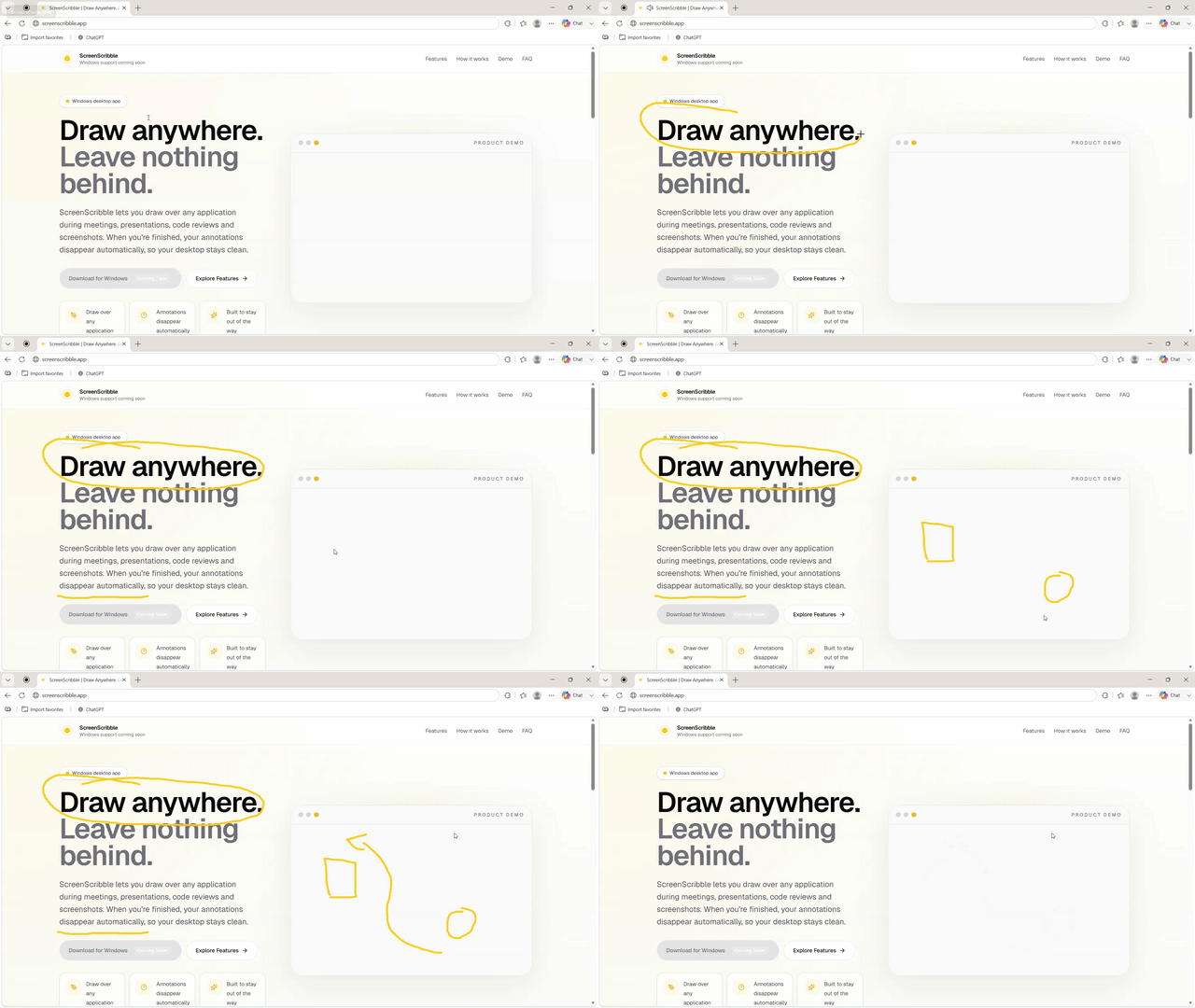
Draw over any application.
ScreenScribble lets you draw over any application during meetings, presentations, code reviews and screenshots. When you're finished, your annotations disappear automatically, so your desktop stays clean.
Features
Draw over any application.
Your drawings auto-clear, or stay visible while paused.
Lives quietly in your system tray.
Choose your own colours, brushes, shortcuts and timeout.
How it works
Switch into Draw Mode from anywhere.
No context switch, no separate canvas.
Return to normal work immediately.
Demo
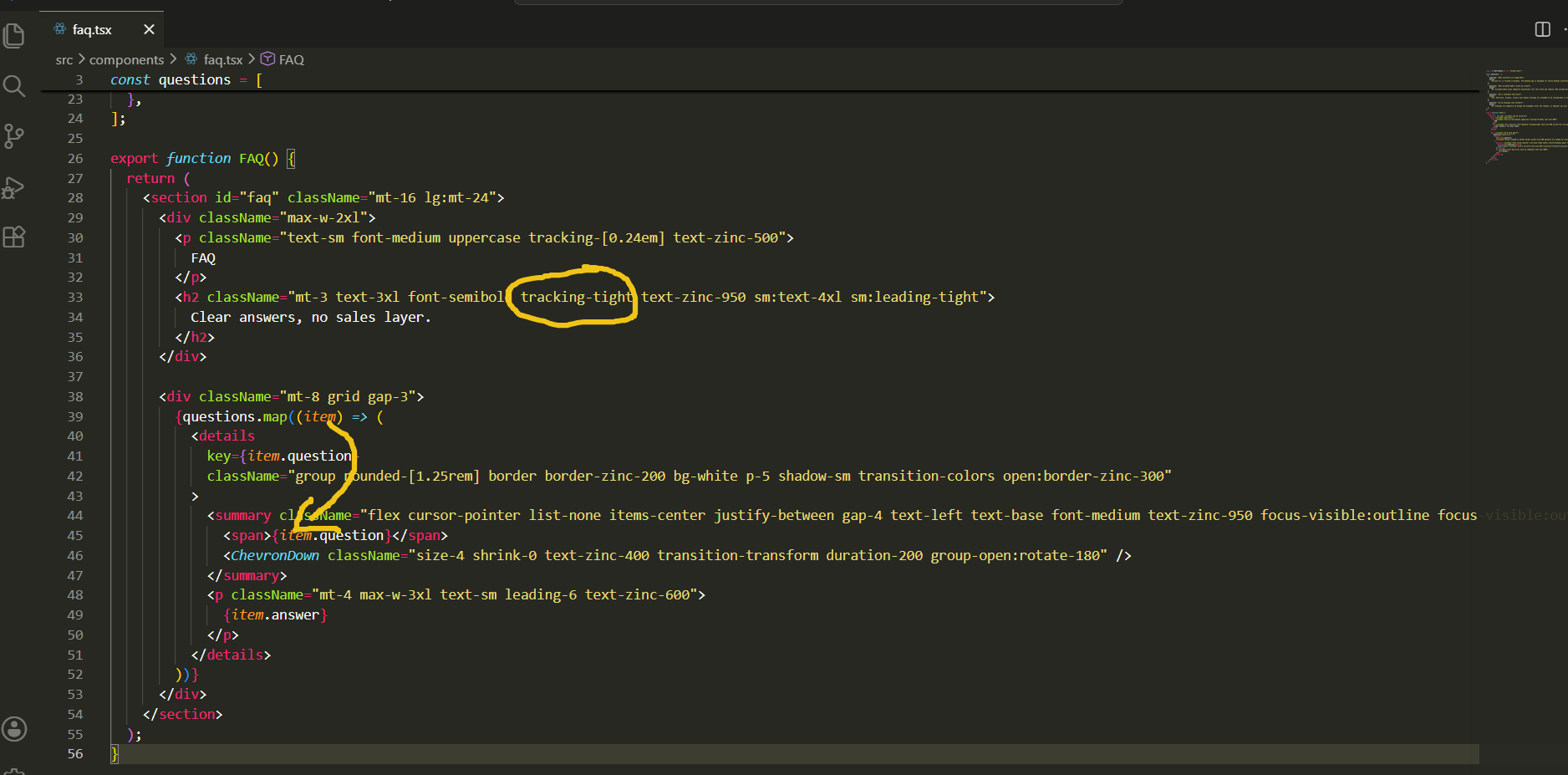
VS Code annotation
Drop this into a coding session, callout and all.
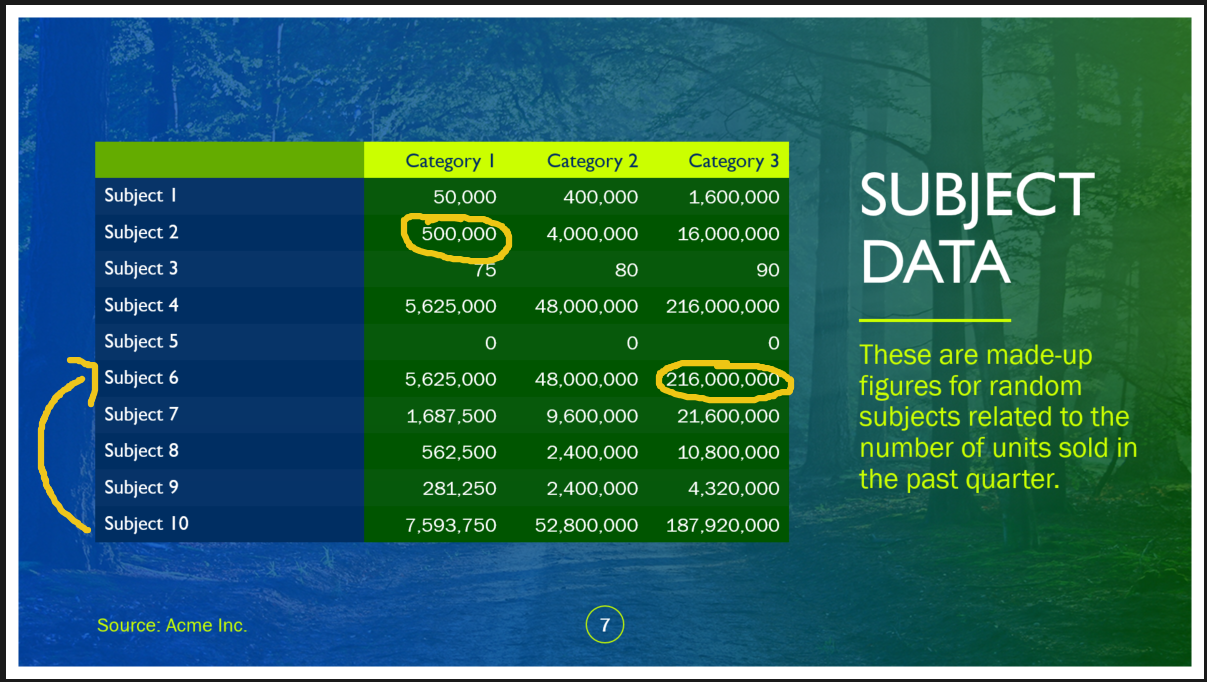
PowerPoint presentation
Highlight key points without changing windows.
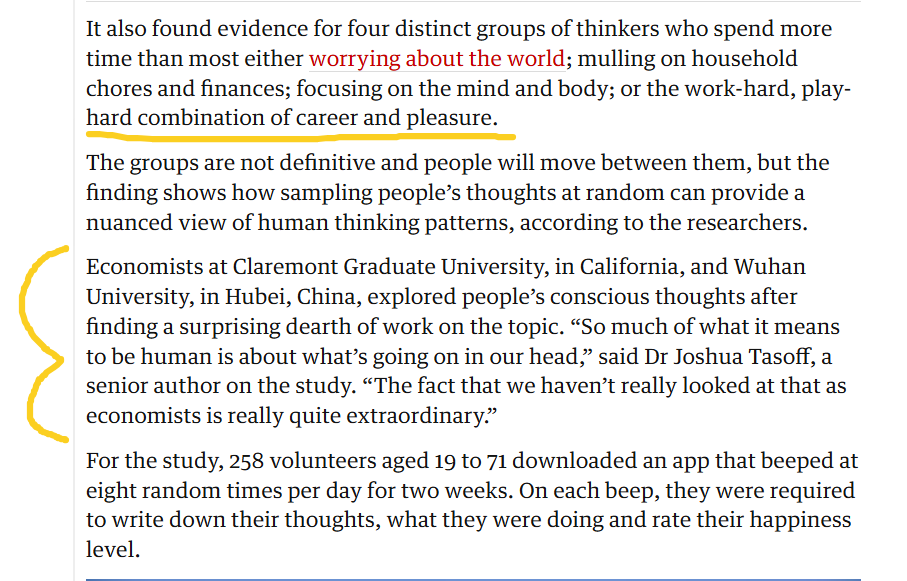
Browser walkthrough
Mark up UI details while presenting a live site.
FAQ
Version 0.1 is focused on Windows. The desktop app is designed for native Windows workflows first.
No. ScreenScribble draws temporary annotations over the screen and removes them automatically after the configured timeout.
Yes. Shortcuts, brushes, colours and timeout settings are intended to be configurable in the app.
Not by default. Drawings auto-clear based on your timeout, but you can pause drawing to keep annotations visible for as long as needed and resume when ready.
ScreenScribble overlays your full desktop. To share annotations in screen-share mode, choose full-screen sharing. Tab-only or window-only sharing will not capture the overlay.